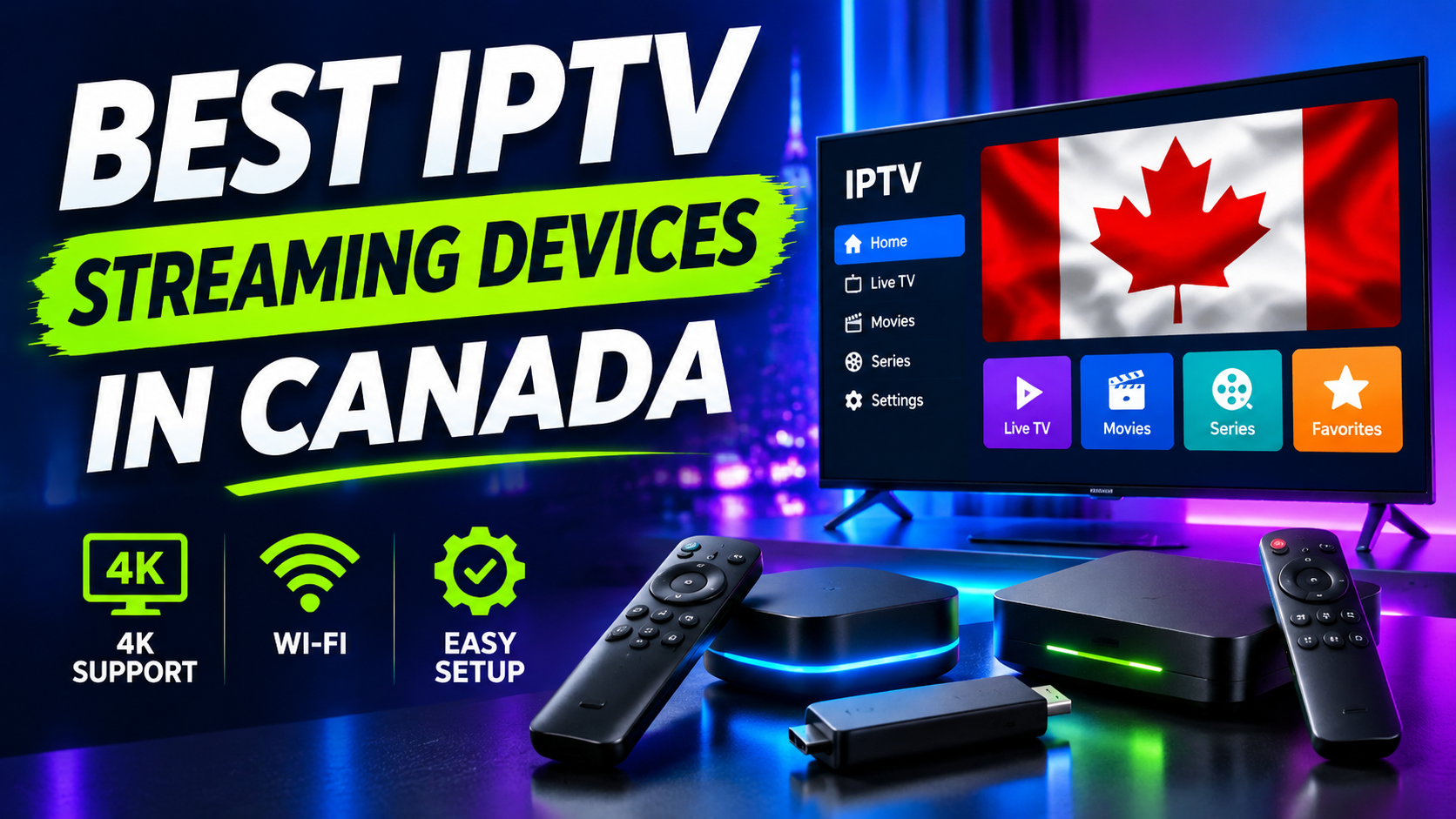
Best Devices for IPTV Streaming in Canada
- By Bently
Choosing the right device can make IPTV streaming easier, smoother and more convenient. In Canada, viewers can access internet-delivered television on streaming sticks, Android TV and Google TV boxes, Apple TV, and many Smart TVs. However, Finding the Best IPTV streaming devices in Canada depends on more than its price or 4K label. App compatibility, software support, network connection and ease of use all matter. This guide compares the main options so you can choose a device that suits your television, budget and viewing habits.
What to Look for in an IPTV Streaming Device
Before buying, check these five important factors:
- IPTV app compatibility: Make sure a suitable player is available through the device’s official app store and supports your provider’s connection method.
- Picture quality: Choose a device that supports your TV’s resolution. A 4K device cannot turn an HD source into genuine 4K.
- Network connection: Dual-band Wi-Fi is useful, while an Ethernet port or compatible adapter can provide a more consistent connection.
- Performance and updates: Sufficient processing power, storage and ongoing software updates help applications run reliably.
- Simple navigation: A responsive remote and clear interface make it easier to browse channels and manage applications.
Best Devices for IPTV Streaming in Canada
1. Amazon Fire TV Stick 4K and 4K Max – Best Value
A Fire TV Stick is a practical choice for viewers who want to add streaming applications to an existing television without buying a new TV. It plugs into an HDMI port, connects to Wi-Fi and is controlled with a compact remote.
The 4K models are worth considering if you own a 4K television and want support for compatible high-resolution content. Fire TV also offers a familiar interface and a wide selection of entertainment applications.
Before purchasing, confirm that your preferred IPTV player is available and compatible with your specific Fire TV model and software version.
Best for: Budget-conscious households, secondary TVs and people who want a small device that is easy to move between rooms.
If you already own one, follow our IPTV Firestick Canada installation guide for a device setup walkthrough.
2. Google TV and Certified Android TV Devices – Best for App Choice
Google TV and Android TV streaming devices offer a TV-focused interface, remote-control navigation and access to compatible applications through Google Play. They are a good option for people who want more flexibility than a basic streaming stick.
The key word is certified. Not every inexpensive Android box has official Google certification, dependable updates or the same application compatibility. An unknown device may have weak hardware, unreliable firmware or security issues.
Check the exact model, operating system version and application availability before buying.
Best for: Viewers who want a flexible streaming platform and a choice of compatible media players.
3. NVIDIA Shield TV and Shield TV Pro – Best Premium Android TV Option
NVIDIA Shield is a strong choice for people who want a more capable Android TV streaming device. It supports 4K HDR playback, offers access to Android TV applications and provides Ethernet connectivity. The Shield TV Pro also offers additional memory and USB expansion compared with the standard model.
Its strengths are performance, connectivity and flexibility. However, it costs more than most streaming sticks, so it may be unnecessary if you only use a few basic streaming applications.
Best for: Frequent streamers, home-theatre users and people who value wired networking and a more powerful device.
For setup instructions, read our guide on how to use IPTV with NVIDIA Shield in Canada.
4. Apple TV 4K – Best for Apple Users
Apple TV 4K is a premium option with a clean interface, smooth navigation and close integration with the Apple ecosystem. It is worth considering if you already use an iPhone, iPad or other Apple devices and prefer a consistent experience across them.
Check the App Store before buying to make sure your preferred IPTV player is available for tvOS. Application availability and features can differ from the versions offered on Android TV or Fire TV.
You can review supported video formats and connectivity on Apple’s official Apple TV 4K technical specifications.
Best for: Apple households and viewers who prioritise interface quality and ecosystem integration.
5. Samsung and LG Smart TVs – Best for a Simple Setup
If you already own a recent Samsung or LG Smart TV, you may not need an additional streaming box. You can install compatible applications directly from the television’s app store, connect the TV to your home network and use the existing remote.
The main limitation is the operating system. Samsung TVs use Tizen, while LG TVs use webOS, and their application catalogues are different from Google Play or the Amazon Appstore.
An IPTV player available on one platform may not be available on another. Check the exact TV model and app-store availability before choosing this route.
Best for: People who want fewer devices, fewer cables and a straightforward living-room setup.
6. Roku Streaming Devices – Best for Mainstream Streaming Apps
Roku devices are known for a straightforward interface and easy access to popular streaming services. However, IPTV-specific player support can be more limited than on Android TV or Fire TV, depending on the application and region.
If IPTV compatibility is your main reason for buying a device, verify that the player you need is officially supported on the exact Roku model before making a purchase.
Best for: Viewers who mainly use mainstream streaming applications and want a simple interface.
Which IPTV Device Should You Choose?
The right option depends on your priorities:
- Best budget option: Amazon Fire TV Stick 4K.
- Best flexible platform: A certified Google TV or Android TV device.
- Best premium Android TV option: NVIDIA Shield TV or Shield TV Pro.
- Best for Apple users: Apple TV 4K, provided your preferred player supports tvOS.
- Best if you already own a compatible TV: Samsung or LG Smart TV.
- Best for mainstream applications: Roku, after checking IPTV player compatibility.
Before choosing an iptv service, confirm which devices and applications it supports. Also check that the provider is authorised to distribute the channels and programmes it offers in Canada.
Tips for Better IPTV Streaming Performance
Even a good device needs a reliable internet connection. Use these practical steps to improve your setup:
- Use Ethernet where possible: A wired connection can reduce Wi-Fi interference and provide more consistent performance.
- Improve your Wi-Fi signal: If Ethernet is not practical, place the router in an open, central location and use a suitable 5 GHz or newer Wi-Fi network.
- Keep software updated: Install operating-system and application updates to benefit from fixes and compatibility improvements.
- Check your TV settings: Select a resolution and HDR mode supported by both your television and streaming device.
- Allow for stream quality: Actual picture quality depends on the source, your internet connection and the provider, not just the device’s advertised resolution.
If buffering continues, test another application or stream and compare Wi-Fi with Ethernet. This can help identify whether the issue is related to your home network, device, application or stream source.
Frequently Asked Questions
What is the best device for IPTV streaming in Canada?
For most people, a Fire TV Stick 4K or a certified Google TV device offers a good balance of price and flexibility. NVIDIA Shield is a premium alternative, while Apple TV 4K suits people who prefer Apple devices.
Can I watch IPTV on a Smart TV without a box?
Yes, if your Samsung, LG or other Smart TV supports a compatible IPTV player. Application availability varies by model and operating system, so check the TV’s app store first.
Do I need a 4K device for IPTV?
No. A 4K device is useful if your television and the content source both support 4K. HD content will still display on a 4K television, but it does not become native 4K simply because the device supports it.
Does the device include IPTV channels?
No. A streaming device runs applications; it does not automatically provide television channels. You need a compatible application and an authorised content provider. Check the provider’s supported devices and content rights before subscribing.
Final Thoughts
The best devices for IPTV streaming in Canada are the ones that match your budget, television and preferred applications. Fire TV Sticks are convenient and affordable, certified Android TV devices offer flexibility, NVIDIA Shield provides a premium experience, and Apple TV 4K is a strong option for Apple users.
Before making your decision, always check application compatibility, software support and internet connectivity. Choosing the right device will help you enjoy a more convenient and reliable streaming experience at home.